The Story
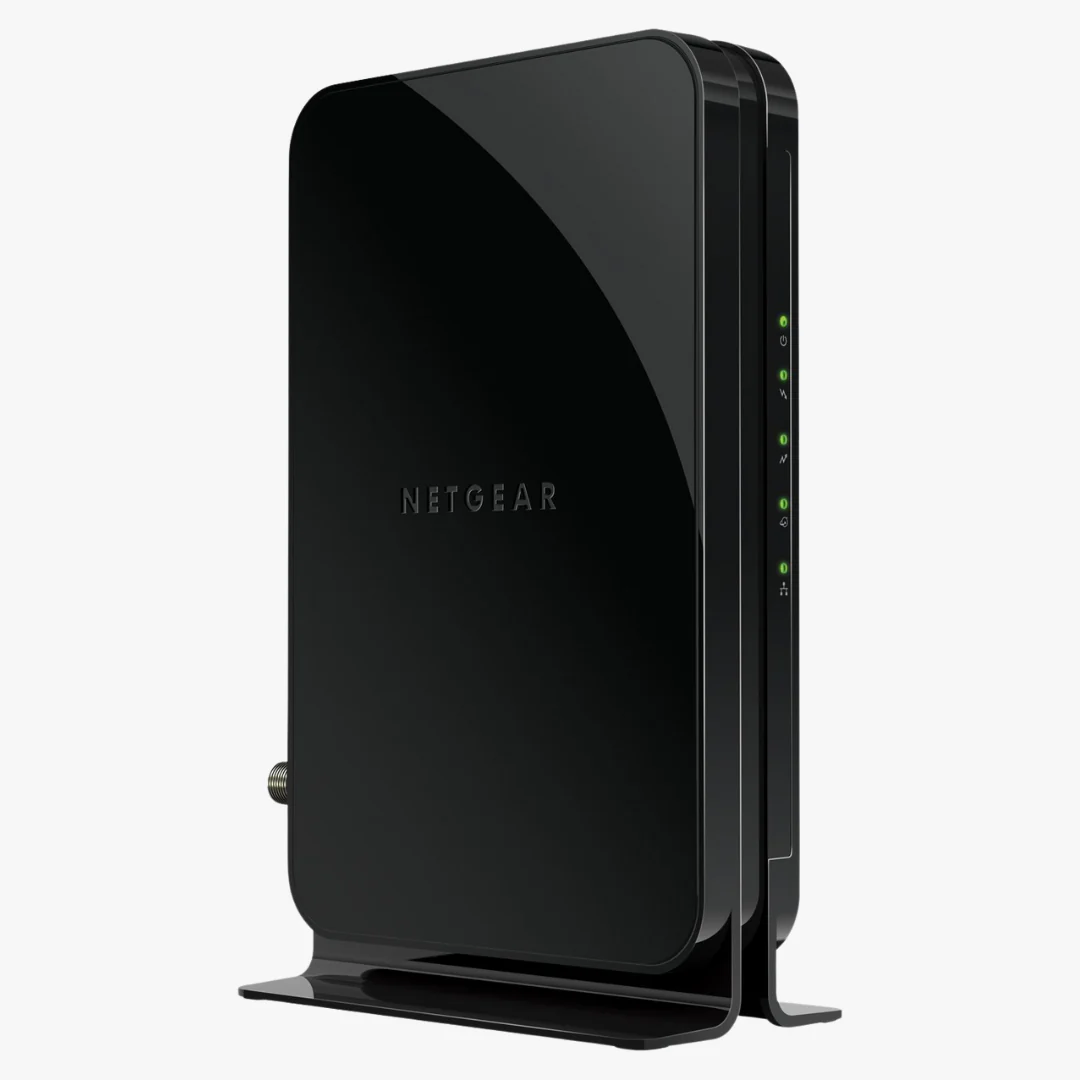
The NETGEAR CM500 delivers fast, reliable cable Internet with DOCSIS 3.0 (16×4) channel bonding, up to ~680 Mbps download speeds†, and a Gigabit Ethernet port for your router or computer—without monthly rental fees.
Key Features
- DOCSIS 3.0 (16×4) — faster and more efficient than DOCSIS 2.0
- Up to 680 Mbps† downloads for HD/4K streaming and gaming
- Gigabit Ethernet LAN port with auto-sensing
- QoS and IPv6 support for modern networks
- Own your modem and avoid rental fees (often $10–$15/month)
Compatibility
Works with most U.S. cable ISPs, including:
- Comcast Xfinity
- Spectrum (Charter)
- Cox
- Others in select regions
Note: Not compatible with bundled voice/telephony (eMTA) services. Always confirm device eligibility and max speed for your specific plan and region with your ISP.
Technical Specifications
| Brand | NETGEAR |
|---|---|
| Model | CM500 |
| DOCSIS Standard | 3.0 (16 downstream × 4 upstream); backward compatible with 2.0 |
| Max Download / Upload | Up to 680 Mbps† / up to 132 Mbps† (plan/ISP dependent) |
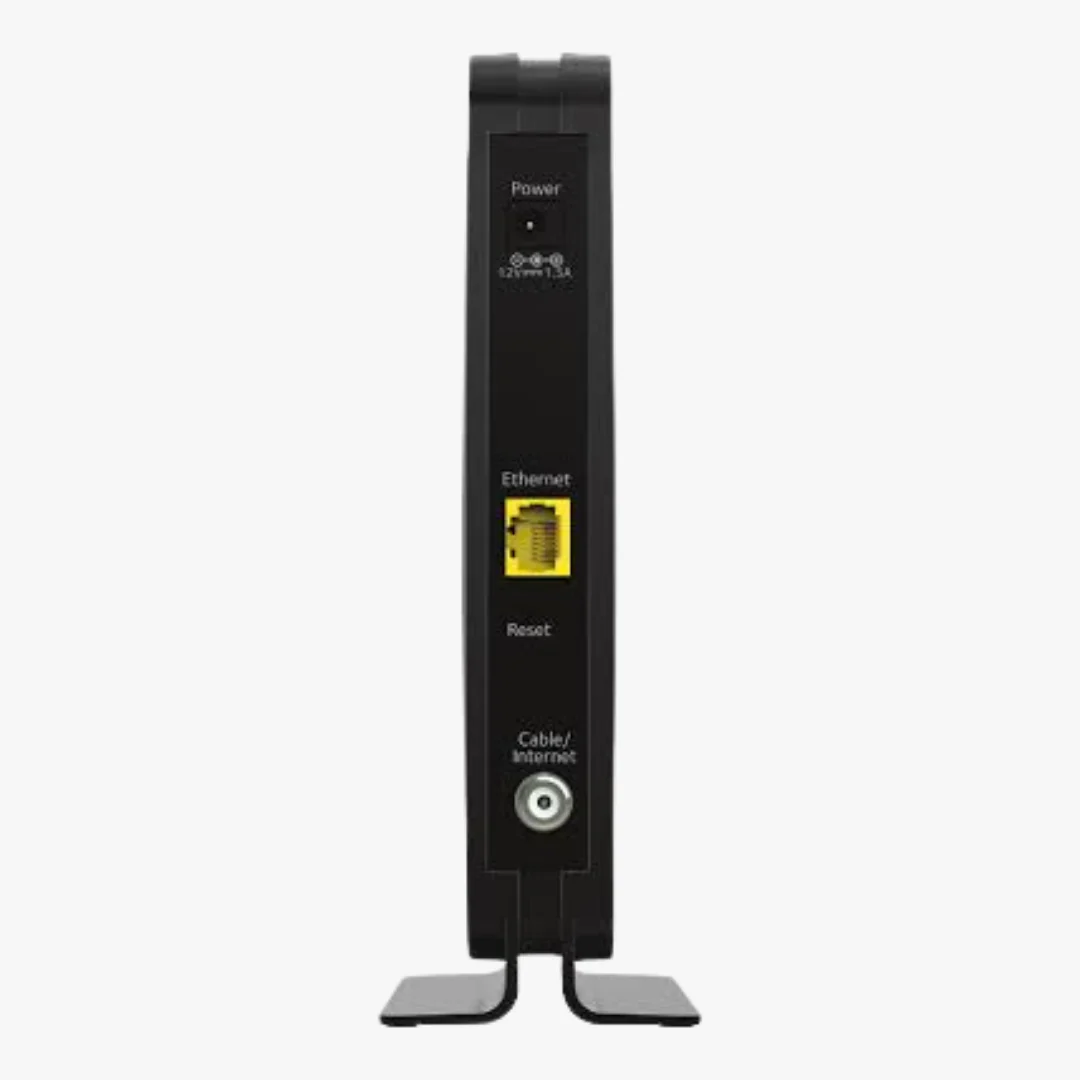
| Ethernet Ports | 1 × Gigabit Ethernet (auto-sensing) |
| IP Support | IPv4 / IPv6 |
| Setup | CD-less; browser/app-based activation (varies by ISP) |
| Memory | 8 MB NOR flash, 128 MB RAM |
| Quality of Service | Advanced QoS |
What’s Included
- NETGEAR CM500 Cable Modem
- Ethernet Cable
- Power Supply
- Online Installation Manual
Quick Start
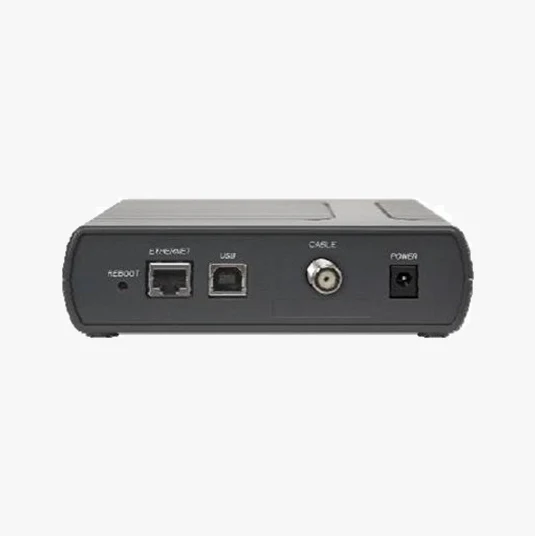
- Connect coax to the modem, attach power, then connect Ethernet to your router or computer.
- Activate with your ISP via app/portal or support line.
- If using a router, set WAN to DHCP/Auto and connect to the modem’s Gigabit port.
FAQ
Does the CM500 have Wi-Fi?
No. It’s a standalone cable modem. Pair with any Wi-Fi router or mesh system. You'll need a separate wireless router if you want WiFi.
Will this work with my plan?
It supports many plans up to ~680 Mbps†. Check your exact tier with your ISP.
Does this support phone/voice service?
No. For telephony, choose a modem with eMTA support (e.g., CM500V).
† Stated speeds are theoretical maximums; actual speeds depend on your ISP plan, network conditions, and region.
Details & Craftsmanship
Every detail has been carefully considered to bring you the perfect product.
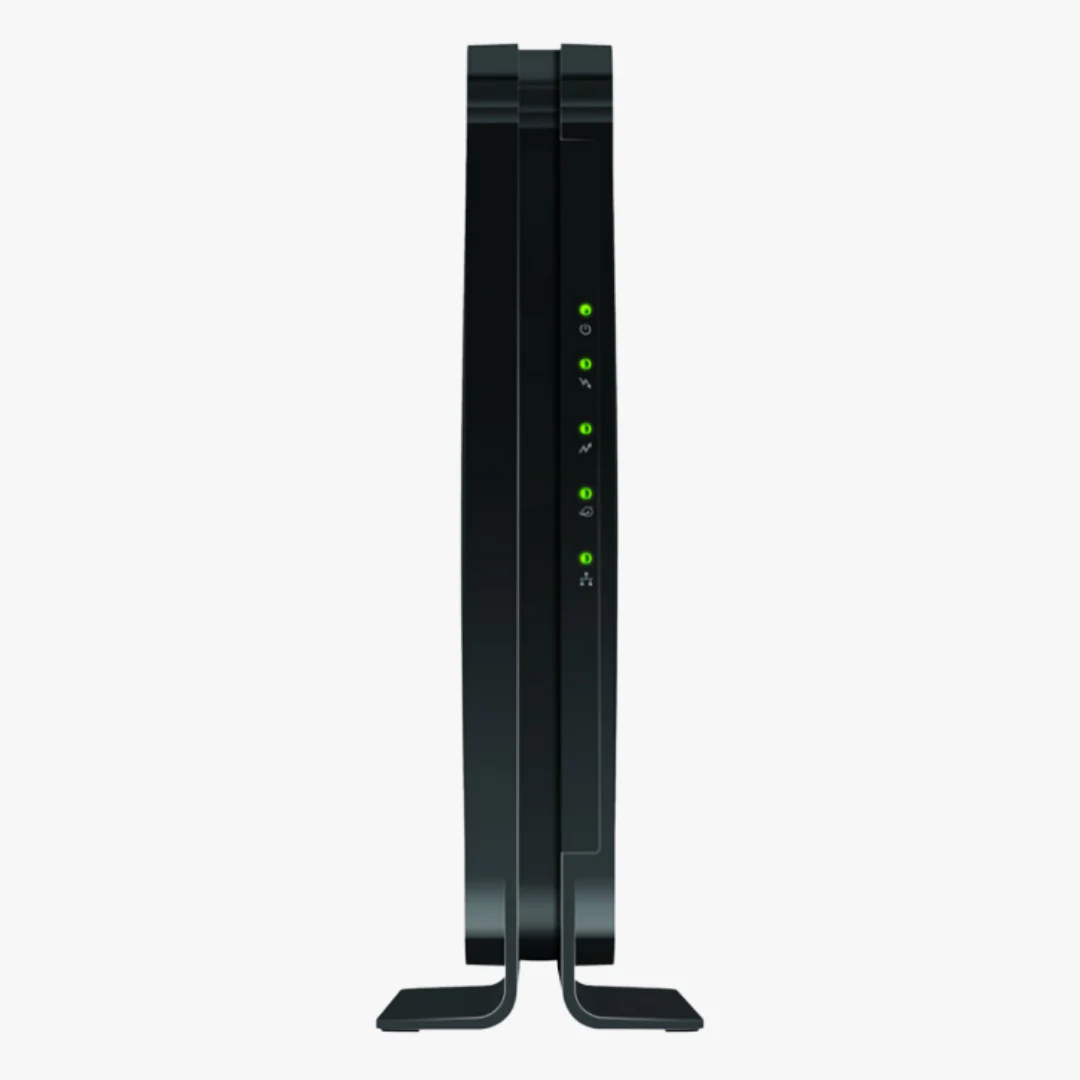
Details & Craftsmanship
Every detail has been carefully considered to bring you the perfect product.
Description
The NETGEAR CM500 delivers fast, reliable cable Internet with DOCSIS 3.0 (16×4) channel bonding, up to ~680 Mbps download speeds†, and a Gigabit Ethernet port for your router or computer—without monthly rental fees.
Key Features
- DOCSIS 3.0 (16×4) — faster and more efficient than DOCSIS 2.0
- Up to 680 Mbps† downloads for HD/4K streaming and gaming
- Gigabit Ethernet LAN port with auto-sensing
- QoS and IPv6 support for modern networks
- Own your modem and avoid rental fees (often $10–$15/month)
Compatibility
Works with most U.S. cable ISPs, including:
- Comcast Xfinity
- Spectrum (Charter)
- Cox
- Others in select regions
Note: Not compatible with bundled voice/telephony (eMTA) services. Always confirm device eligibility and max speed for your specific plan and region with your ISP.
Technical Specifications
| Brand | NETGEAR |
|---|---|
| Model | CM500 |
| DOCSIS Standard | 3.0 (16 downstream × 4 upstream); backward compatible with 2.0 |
| Max Download / Upload | Up to 680 Mbps† / up to 132 Mbps† (plan/ISP dependent) |
| Ethernet Ports | 1 × Gigabit Ethernet (auto-sensing) |
| IP Support | IPv4 / IPv6 |
| Setup | CD-less; browser/app-based activation (varies by ISP) |
| Memory | 8 MB NOR flash, 128 MB RAM |
| Quality of Service | Advanced QoS |
What’s Included
- NETGEAR CM500 Cable Modem
- Ethernet Cable
- Power Supply
- Online Installation Manual
Quick Start
- Connect coax to the modem, attach power, then connect Ethernet to your router or computer.
- Activate with your ISP via app/portal or support line.
- If using a router, set WAN to DHCP/Auto and connect to the modem’s Gigabit port.
FAQ
Does the CM500 have Wi-Fi?
No. It’s a standalone cable modem. Pair with any Wi-Fi router or mesh system. You'll need a separate wireless router if you want WiFi.
Will this work with my plan?
It supports many plans up to ~680 Mbps†. Check your exact tier with your ISP.
Does this support phone/voice service?
No. For telephony, choose a modem with eMTA support (e.g., CM500V).
† Stated speeds are theoretical maximums; actual speeds depend on your ISP plan, network conditions, and region.